
Central Bank of Kuwait has launched the “3editi” service with K-Net. Enabling us to continue the customs of Eidi and joy of our kids. it is simple and quick.
1 : Click on following site https://eidia.knet.com.kw/3edeti/Default.aspx
2: Change to require language.
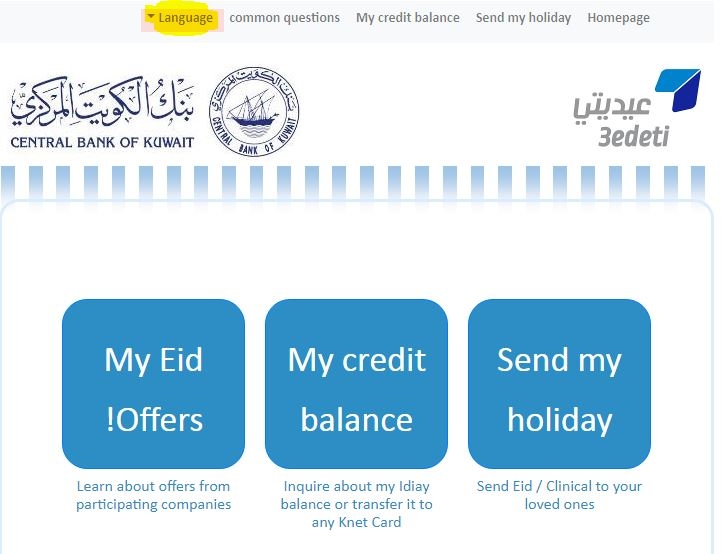
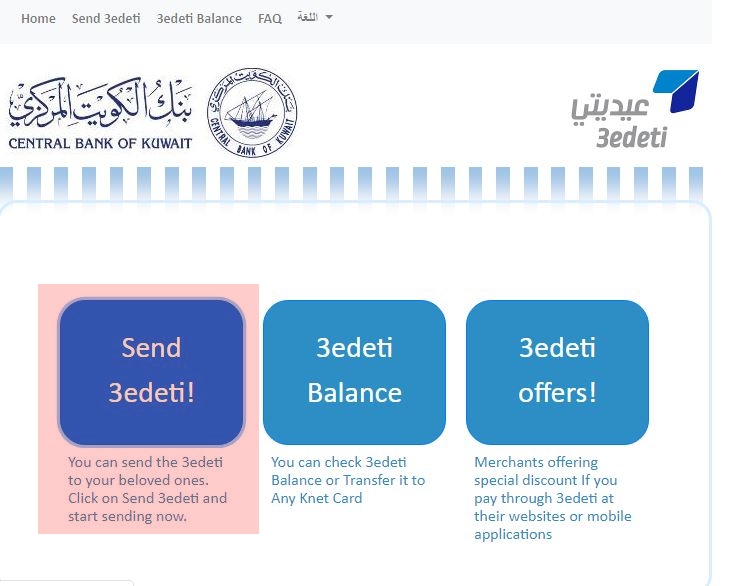
2: Click on first highlighted button to send the Eidi.
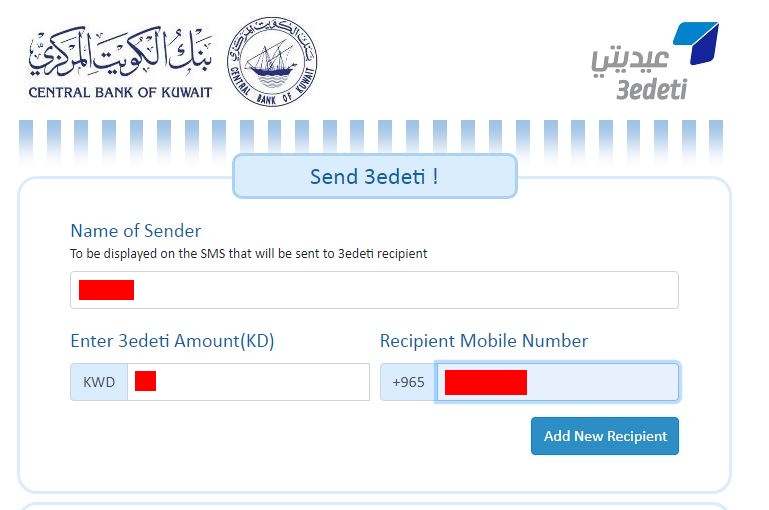
3: Enter the name of the sender (your), amount, receiver’s mobile number, and click on ADD NEW RECIPIENT.
4: Click on CHECK MARK and then click on SEND 3EDITI.
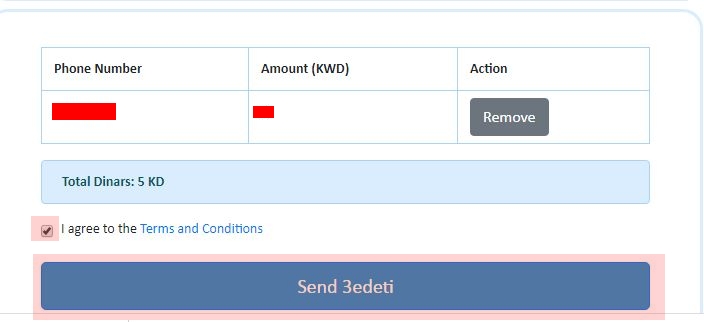
5: Fill the require fields and SUBMIT.
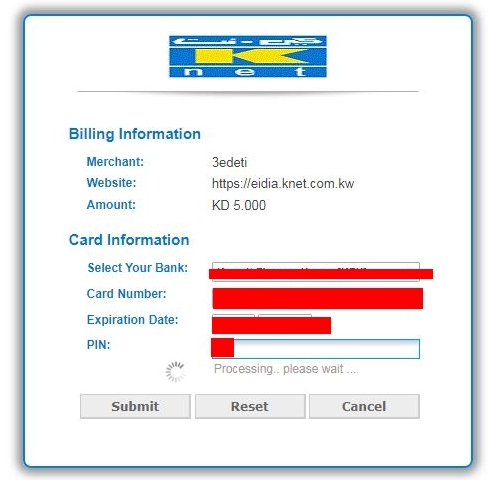
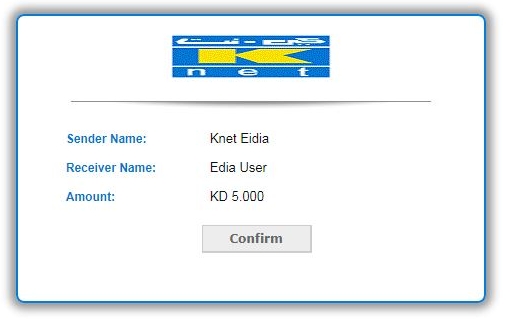
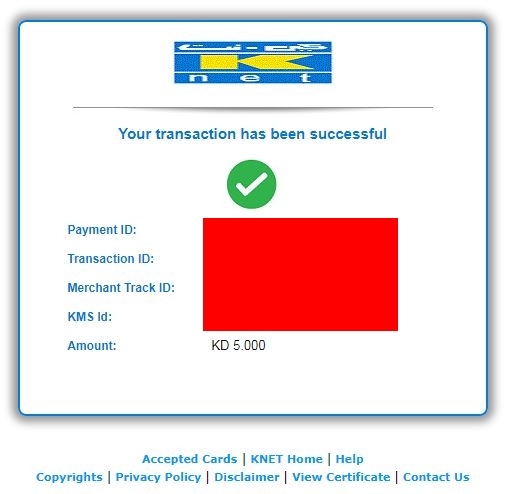
6: then you will be confirmed by this page.
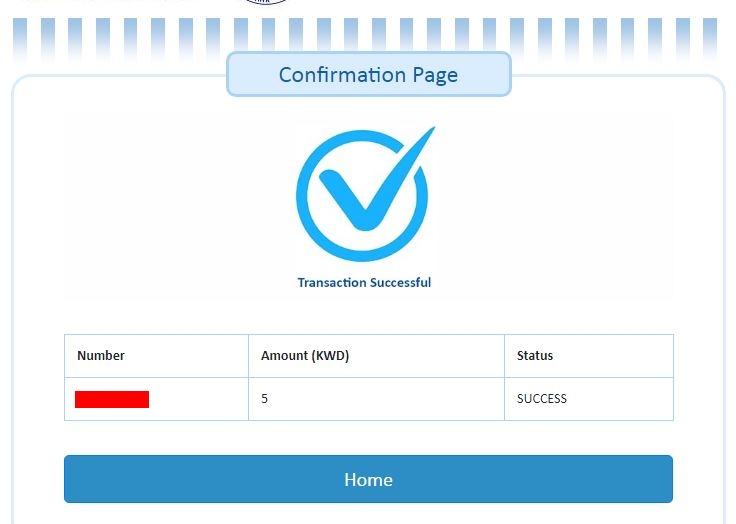
How to receive the EIDI.
1 : Click on following site https://eidia.knet.com.kw/3edeti/Default.aspx
2: Click on highlighted button.
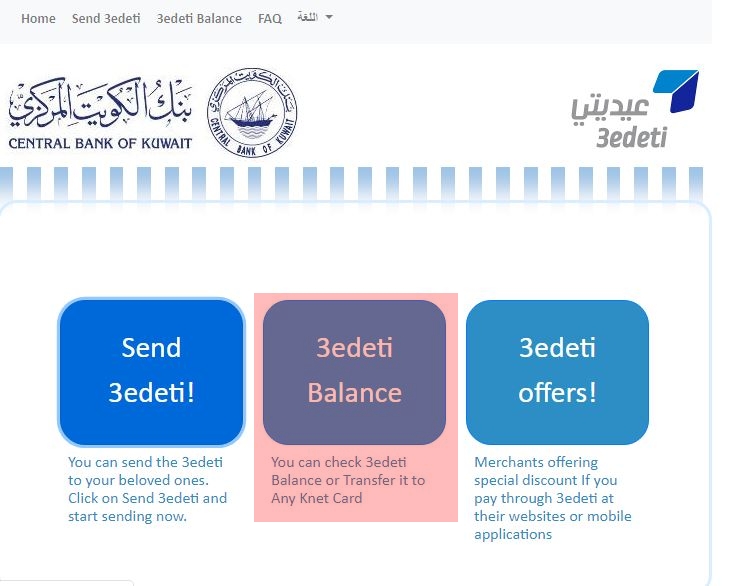
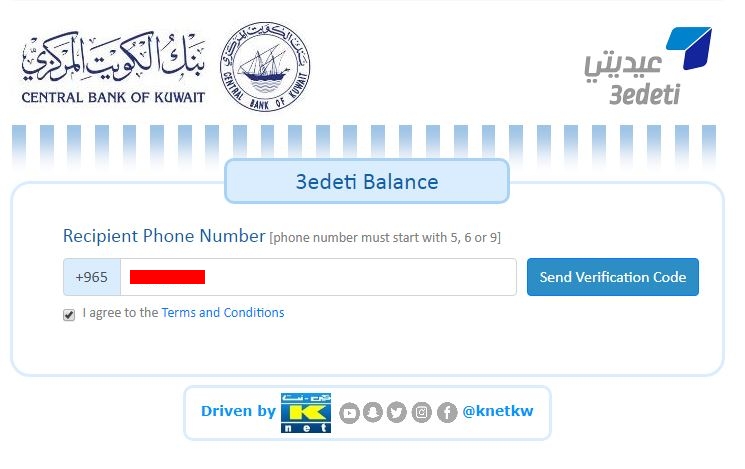
3: Enter your (receiver) mobile number and click on SEND VERIFICATION CODE.
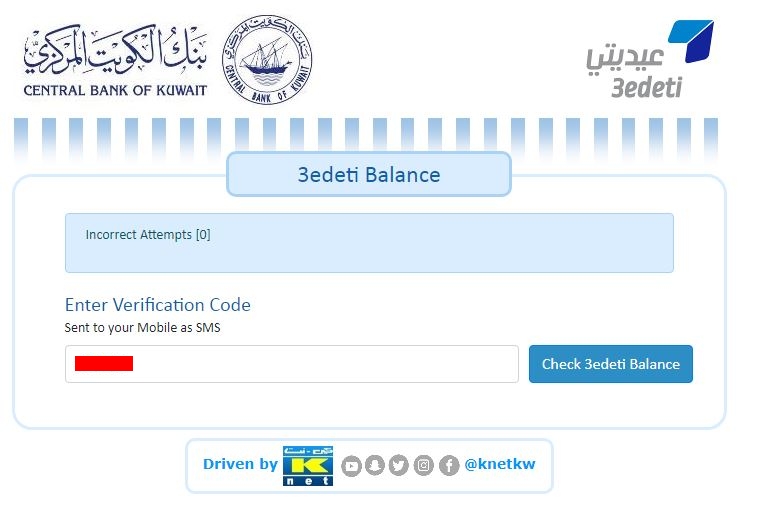
4: Enter the Verification Code, which you have received by SMS.
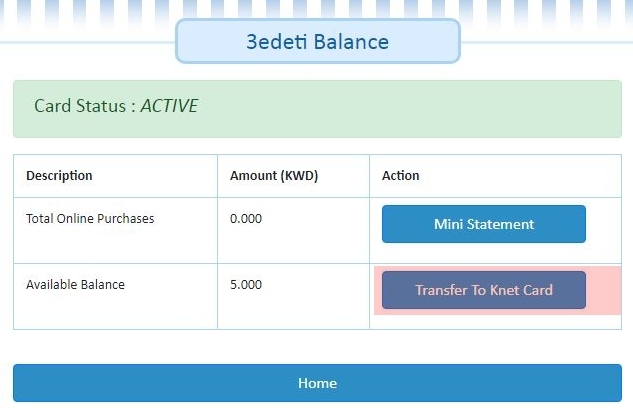
5: Here you can see the amount, now click on TRANSFER TO KNET CARD.
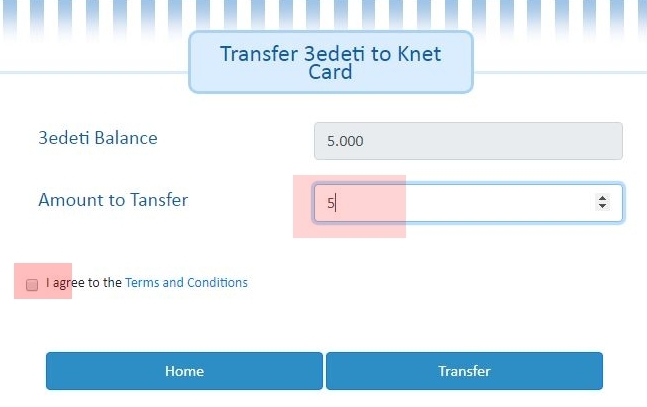
6: Write the amount, which do you want to transfer to your account, click on CHECK MARK BOX and then click on TRANSFER button.
Follow the Knet Steps and Enjoy


Leave a Reply